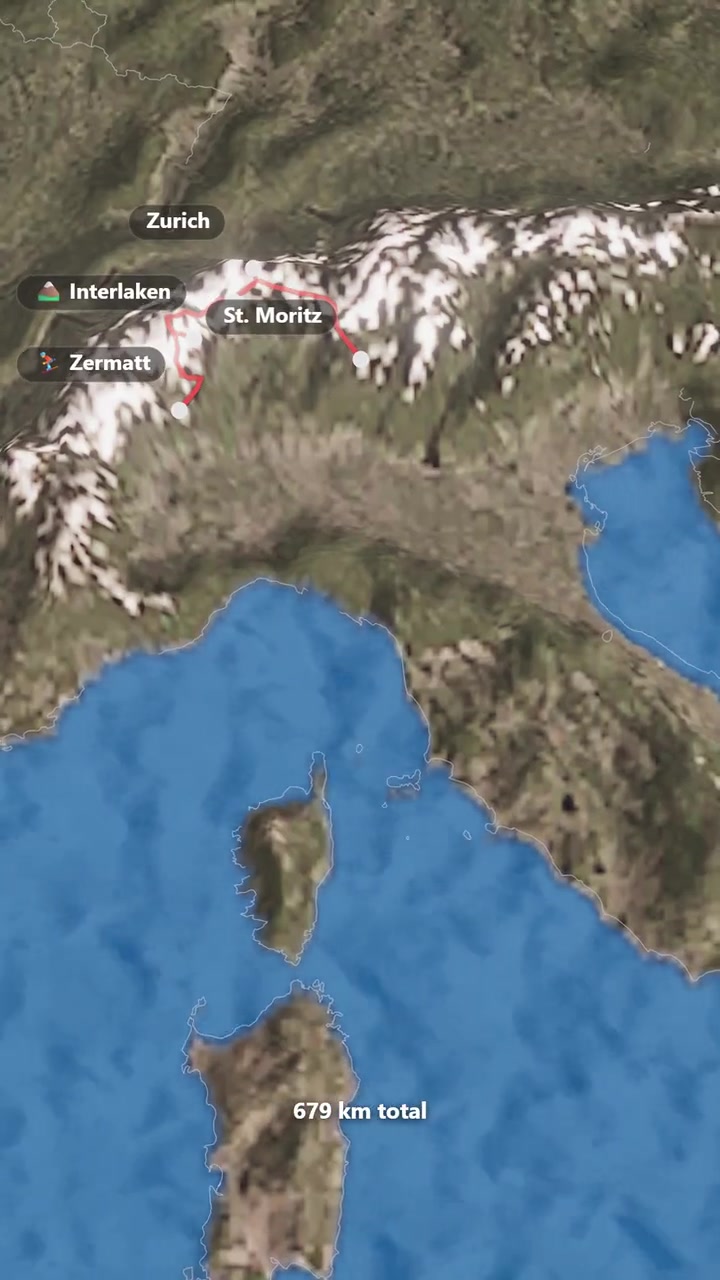
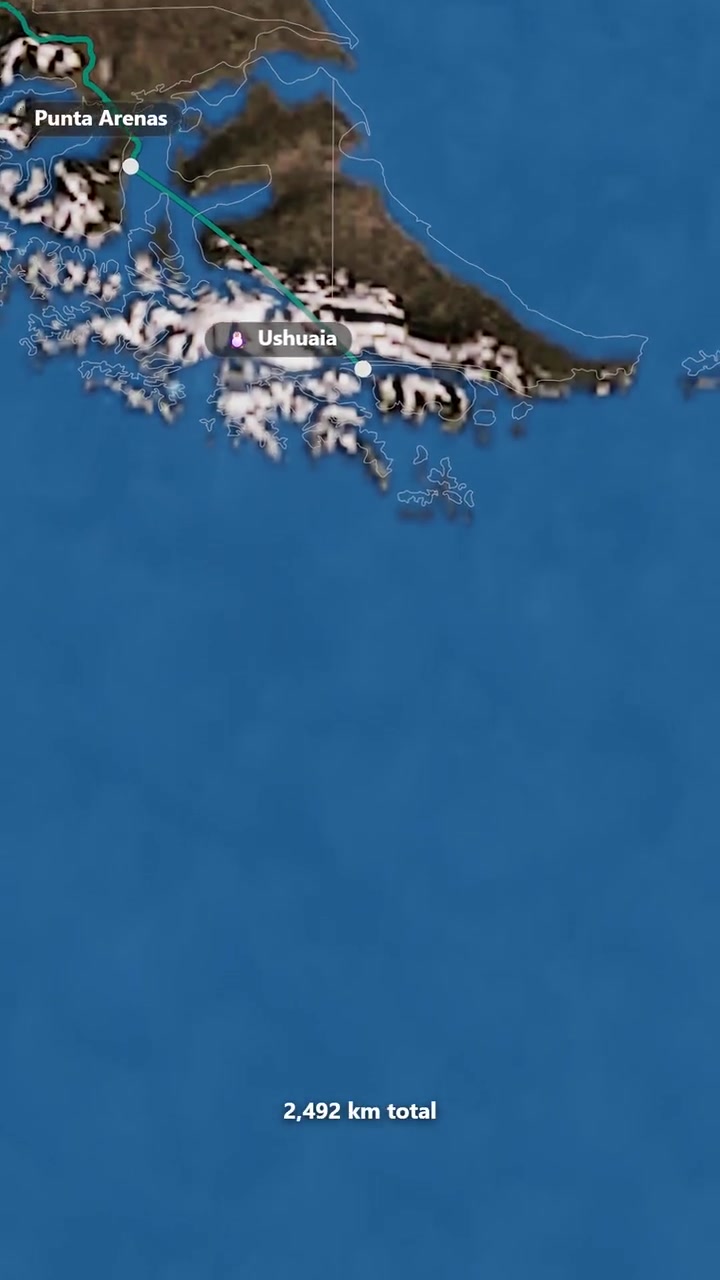
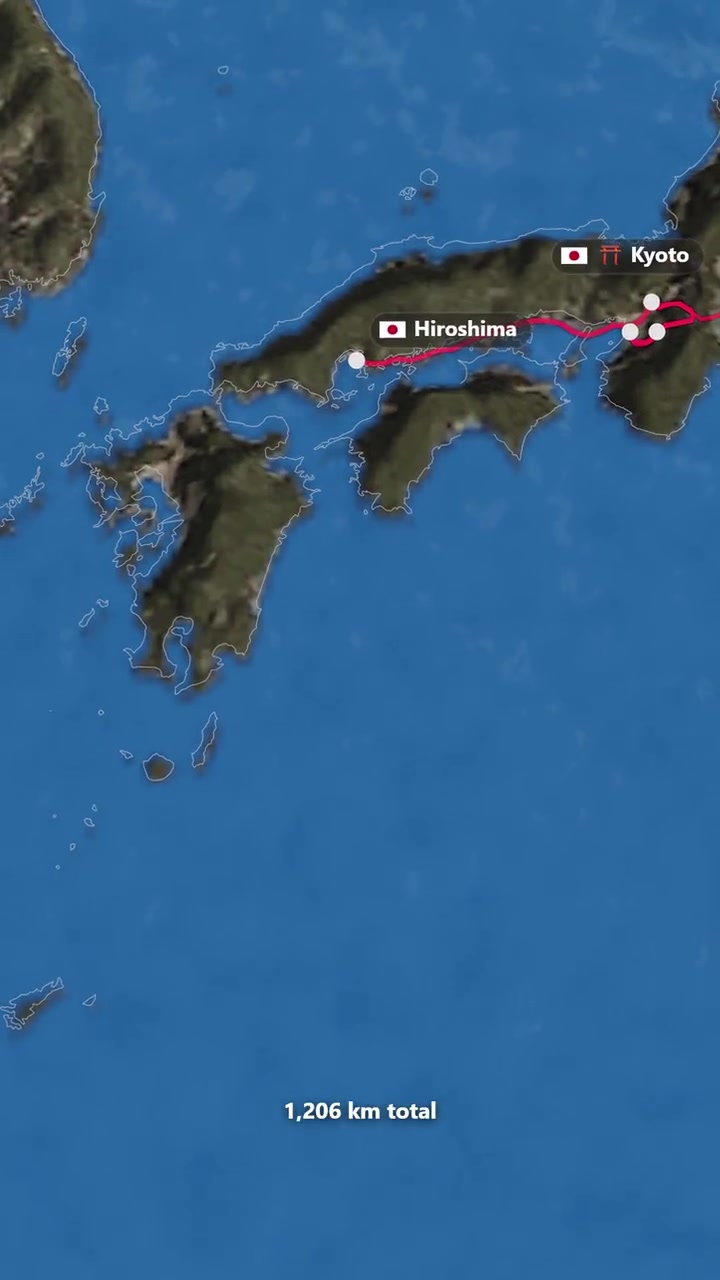
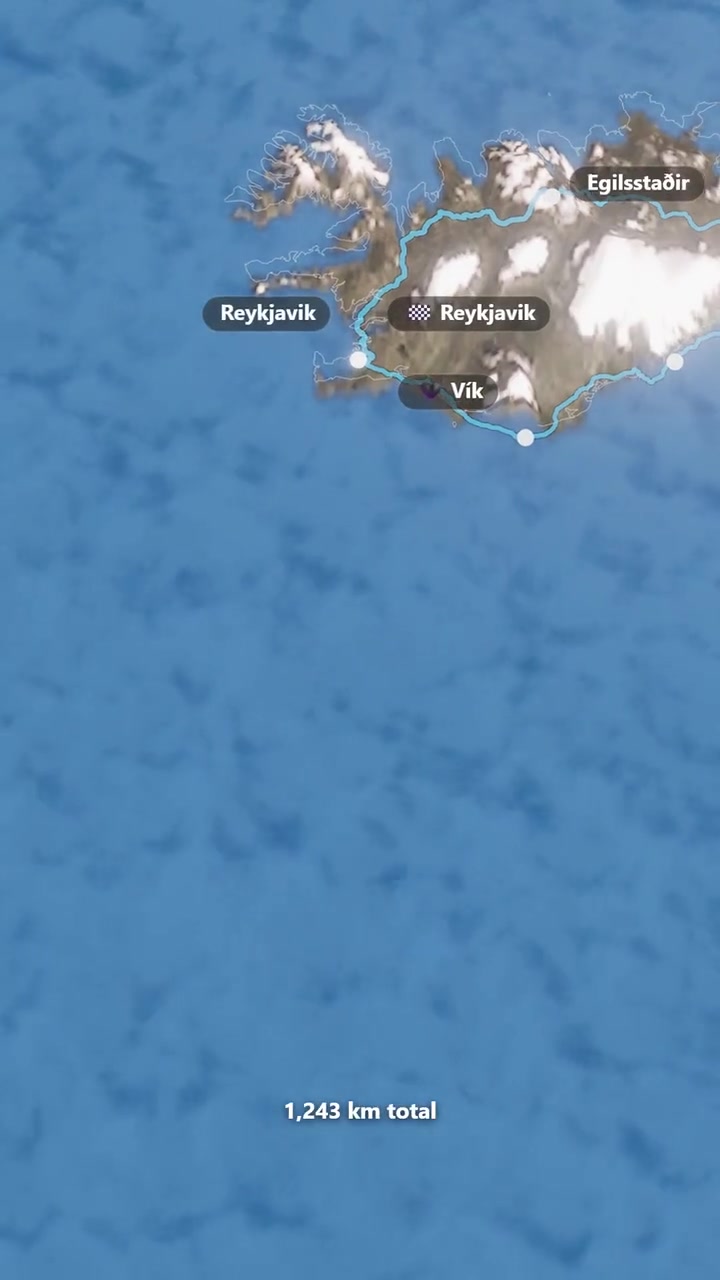
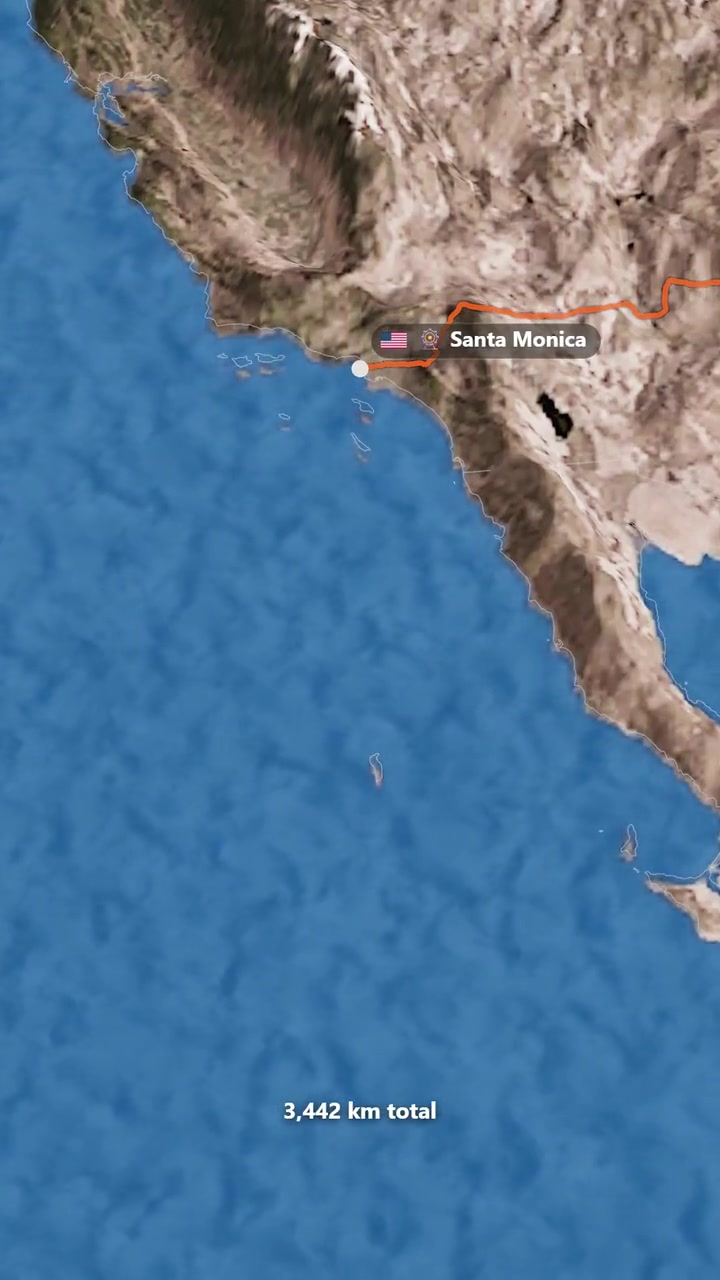
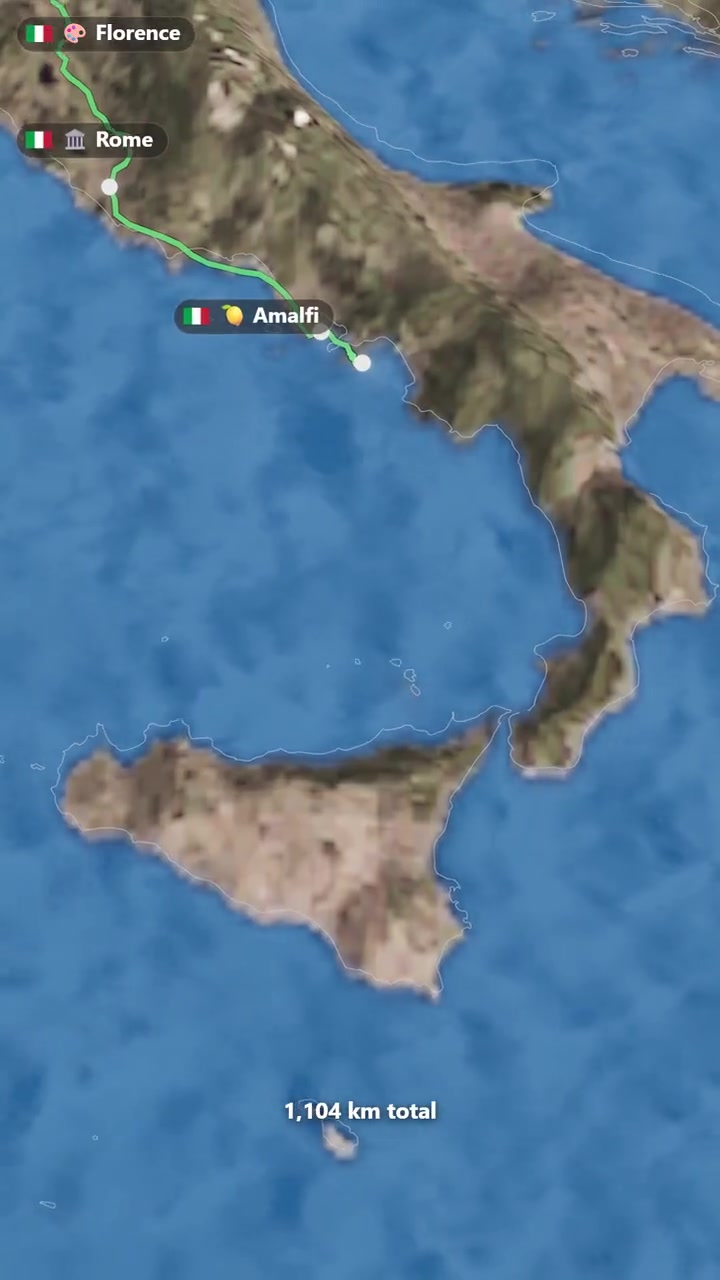
Let the landscape tell the story
Fly past mountains and coastlines on real 3D terrain. Give every stop a sense of place.
Add your stops. RouteFlick flies the route across real terrain on a 3D globe and exports an MP4 for Reels, Stories or the big screen.
Edited Pro example · Free exports include a watermark.
Selected scenes from one 28-stop live studio export. Close-up routes and connecting journeys are omitted. Vehicles are illustrative map markers.
Real studio exports. Pick a journey. Make it yours.
The places you went. The way you travelled. A video that feels like you.
Fly past mountains and coastlines on real 3D terrain. Give every stop a sense of place.
Choose 3D vehicles for flights, roads, rail and sea. Mapped coverage varies; preview each leg.
Choose a template or paste a supported Google Maps directions link. Pro adds GPX, KML and GeoJSON import.
Use a supported browser on Android, iPhone or computer. No install. Free 1080p; Pro up to 4K, depending on your device.
Saving first isn’t required—even on Pro. Your video renders on your device. When signed in, trip data and a preview image sync automatically to your account.
No account or card needed to try the free studio.
Open a template or add the places you visited.
Choose vehicles and a style. Preview the whole trip.
Download your MP4 for a reel, story or bigger screen.
Keep it simple with Free. Choose Pro for a sharper finish, 60 fps and more creative options.
Everything you need to make and share real trip videos.
Sign in to save trips. Creating and exporting need no account.
Start freeNo credit card required
Billed $39 yearly · Cancel anytime
Up to 4K at 60 fps on supported devices, without a watermark.
Billed $39 yearly · Cancel anytime
Submit a feature request free through support. We review custom requests; delivery and timing aren’t guaranteed.
A travel map animation shows a journey moving between places on a map. RouteFlick turns your stops into an animated route on a 3D globe, with an editable preview and an MP4 download for your travel story.
Yes. With free styles, cameras and sounds, you can create and export watermarked 1080p video at 30 fps with up to 10 stops and 3 minutes, without an account or credit card. Pro adds GPX, KML and GeoJSON import, watermark removal and higher output on supported devices.
Yes. Open RouteFlick in a supported browser and edit the demo without installing an app. Use free styles, cameras and sounds to export watermarked 1080p video at 30 fps with up to 10 stops and 3 minutes. No account or credit card is required; performance depends on your device.
Yes. Open the studio to start with an editable demo route. You can create and export watermarked Full HD at 30 fps without an account or credit card. Sign in when you want account saving or paid features.
None. You place stops and pick how you travel — RouteFlick handles the camera, motion and styling, then exports a finished video.
MP4 in landscape, square or vertical. Free designs export Full HD at 30 fps with a small watermark. Pro removes the watermark and offers output up to 4K at 60 fps on supported browsers and devices.
Road legs use OpenStreetMap-based routing. Rail, sea and river legs use bundled networks and supported mapped corridors; coverage varies and an unavailable route can fall back to an arc. These are storytelling routes, not navigation instructions.
Paste a supported Google Maps directions link. Pro also imports GPX, KML and GeoJSON tracks from tools such as Strava, Komoot and Garmin. Check the imported path in the preview before exporting.
Review our terms and the license for any music, photos or other media you include before commercial use. You remain responsible for the rights to media you add.
RouteFlick renders on your device in supported browsers and its Android app. Performance and export options depend on your device.
Guest work is saved on this device. Sign in and save a trip to your account to reopen it on another device.
Open the free studio. Your first route is already waiting.
Create your video free